A list of commands for Cat Bot.
Note
Command arguments in square brackets are optional and command arguments in curved brackets are required. An option after an equals sign in an optional argument is the default option. For example,
[type=Cats]. If you don't provide atype, it will be set toCats.
Tip
For more info about minigames in Cat Bot commands, go to Fun Commands.
Tip
"Admin Only" here means the command requires Manage Server permission.
/tutorial - Learn how to use the bot, like catching, inventory, leaderboards, achievements, cattlepass, and packs. Comes with a 2m rain reward.
- Can be used to get an achievement.
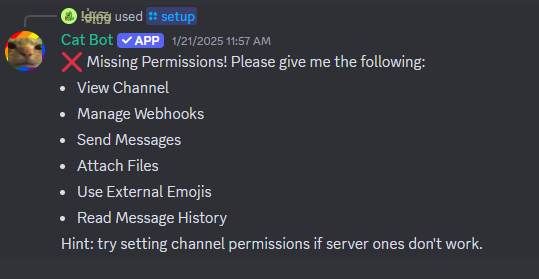
/setup (Admin Only) - Makes Cat Bot start spawning cats in the desired channel. If Cat Bot is missing some permissions, it will tell you what permissions it needs to work properly:
/settings (Admin Only) - Allows you to toggle:
- Only in Setupped
- Cat Rains
- Anti-double catch settings
- Legacy catching
/changetimings [minimum_time=60] [maximum_time=600] (Admin Only) - Changes the timings for a channel.
- Requires the
minimum_timeto be 20 or more seconds, and cannot be larger thanmaximum_time.
/forget (Admin Only) - Makes Cat Bot stop spawning cats in the desired channel. The opposite of /setup.
/changemessage (Admin Only) - Changes the cat spawn or cat catch message.
/changeavatar [avatar=default] (Admin Only) - Changes Cat Bot's profile picture.
/preventcatch (person) (timeout) (Admin Only) - Prevents a person from catching cats for a period of time timeout (0 to reset).
- Using this command on Cat Bot will make it output "i hate you".
/achievements - Shows your achievements.
/battlepass - Opens a monthly progression system where you complete quests for XP to level up in the Cattlepass. Allows you to enable reminders.
/catalogue - Shows the value, spawn chance and the amount of each cat type in the server.
- You cannot view cat types that your server hasn't discovered yet.
/catnip - Shows you information on catnip. Allows you to complete bounties and select perks.
- This can be used to get 6 achievements.
/gift (user) (type) [amount=1] - Gifts an amount of a cat type, pack type, or rain to another user.
- More than 5 of the gifted item (except rains) will result in an optional 20% tax, which will be taken from your inventory, not from the gift, which may result in debt.
- Can be used to get 9 achievements.
/inventory [user=yourself] - Displays:
- All cats the
userhas; - Editable stats (can be edited to other stats by pressing the "Edit" button in your inventory):
- Slowest and fastest catch times;
- Total
user's value; - The Cattlepass level of
user;
- Amount of achievements
userhas or highlighted achievement; - Total amount of cats, prisms, scratchcards, and rain minutes;
- "Report" button (if
useris not yourself); - Also triggers debt dialogue for the first time you have a negative amount of a cat type.
/last - Views (with timestamps):
- The last time a cat was caught in a channel
- A rough estimate of when the next one will spawn
- How many rain cats are remaining (if in a rain).
- When and where you caught a cat.
- Time you have left to catch a cat in another channel (if anti-double catch is enabled)
/leaderboards [type=Cats] - Views the leaderboard of a type (category).
- Only the top 15 placers in each category, as well as the user's placement, are displayed.
- The categories are:
- Total amount of cats.
- The amount of a specific cat type.
- Total value.
- Fastest catch.
- Slowest catches .
- Cattlepass levels and xp.
- Amount cookies.
- Amount coffees.
- Amount of
/fishfish. - Highest
/pigscore (refreshed every 5 minutes). - Amount of cat dollars.
- Amount of prisms.
- Amount of auras.
- Amount of rain minutes started.
- Can be used to get an achievement.
/packs - Gets info on Cat Packs, and open them for cats if you have them. Also links to Cat Bot Wiki Packs Page.
- Can be used to get 4 achievements.
/prism - Gets info on prisms and allows you to craft them.
- If you do not meet the requirements, shows the cats you are missing when you press "Craft".
- Can be used to get 2 achievements.
/shareprofile - Get a link which when sent anywhere on Discord looks exactly like your Cat Bot inventory.
/stats [user=yourself] - Gets a list of stats of user.
/trade (user) - Trade stuff like cats, packs, prisms, scratchcards, and rain minutes with another user.
- Can be used to get 9 achievements and complete a quest in the Cattlepass.
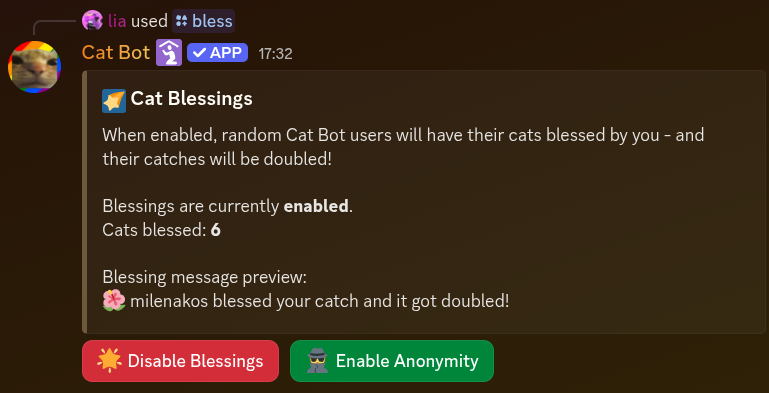
/supporter bless SUPPORTER-ONLY - Lets you bless random catches globally with double cats.
- Can be disabled.
- Stacks with Catnip.
- Your username and profile emoji can be optionally shown like this:
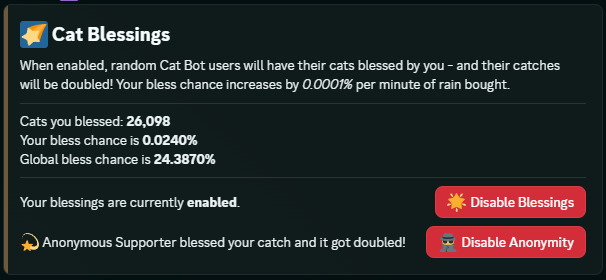
- If anonymity is enabled, the interface will show this instead:
- If anonymity is enabled, the interface will show this instead:
- Blessings happen at a 0.0001% chance per total rain minutes purchased globally.
/supporter customcat (name) (image) (amount) SUPPORTER-ONLY - Changes the name, image, and amount of your custom cat (or adds your custom cat with those parameters).
- Regular cat limits apply.
- Put "none" in the
nameparameter to remove. - The name of the custom cat cannot surpass 20 characters.
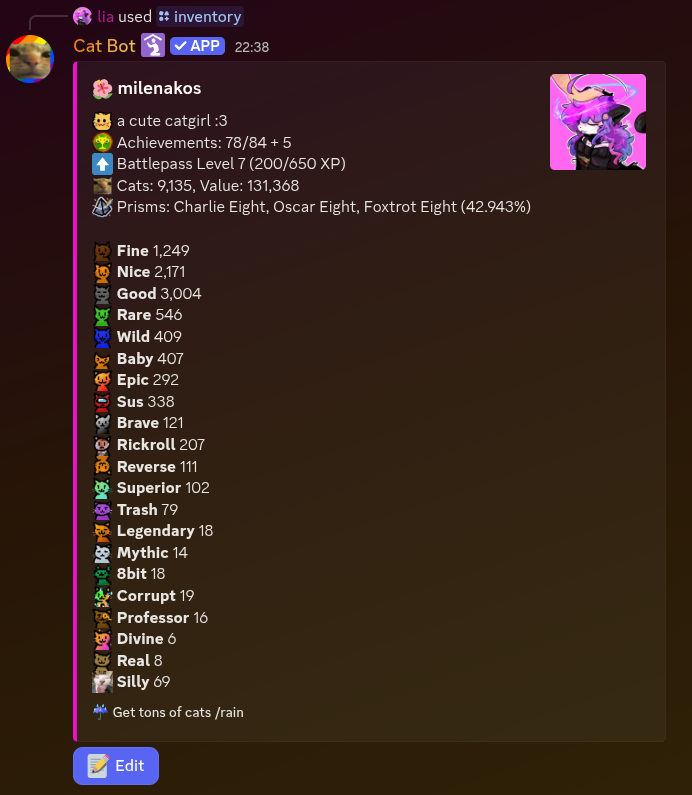
/supporter editprofile [color=staring] [emoji=none] [image=none] SUPPORTER-ONLY - Change how your inventory looks. Example image below:
/plushbadge (proof) - Redeem a badge if you have pledged the Cat Bot plush or bought it.
/rain - Gets info about Cat Rains, and allows you to start them.
- You start with 2 free minutes of Cat Rain from
/tutorial. - To access more, you can either complete the Cattlepass, or purchase it from the store.
- Can be used to get an achievement.
/8ball - Replicates what the real 8-ball would say when asked a question, with 5 more negative answers.
- Grants an achievement.
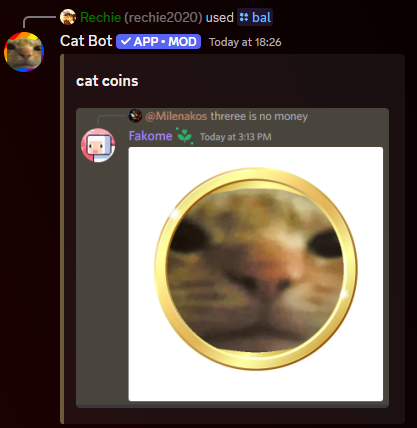
/bal - Sends an image of cat coins as shown below, doesn't do anything else.
/bruh - Immediately deletes its command message. Does nothing else.
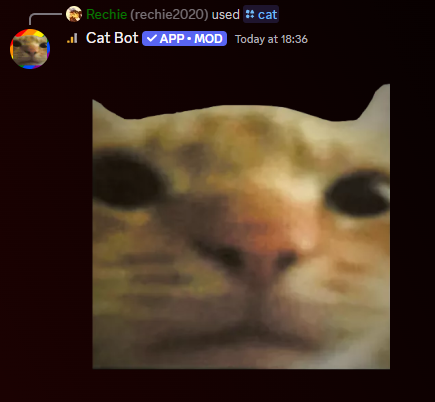
/cat [type=Staring] - Sends a cat image of type type. See below.
/catgpt (query) - Waits a long time then responds with "cat" along with a footer saying it never makes mistakes.
- Grants an achievement.

/chaos - A global counter. Every button press adds 0-1000 to the value.
- Completes a quest in the Cattlepass.
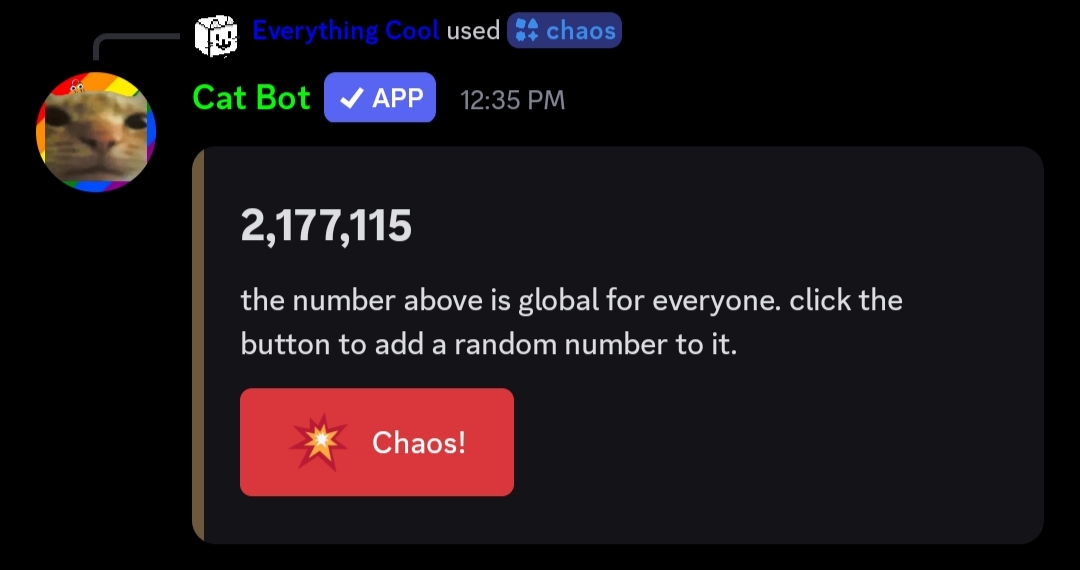
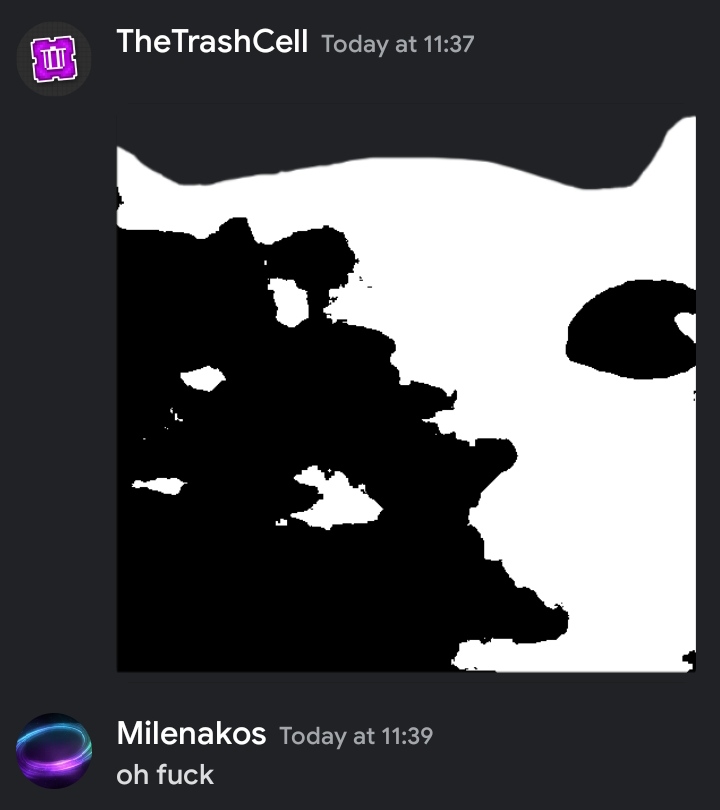
/cursed - Sends the screenshot below.
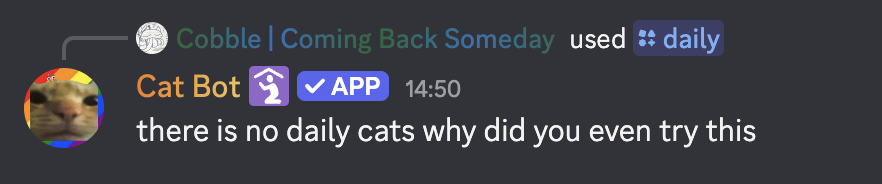
/daily - Makes the bot reply with "there is no daily cats why did you even try this".
- Grants an achievement.
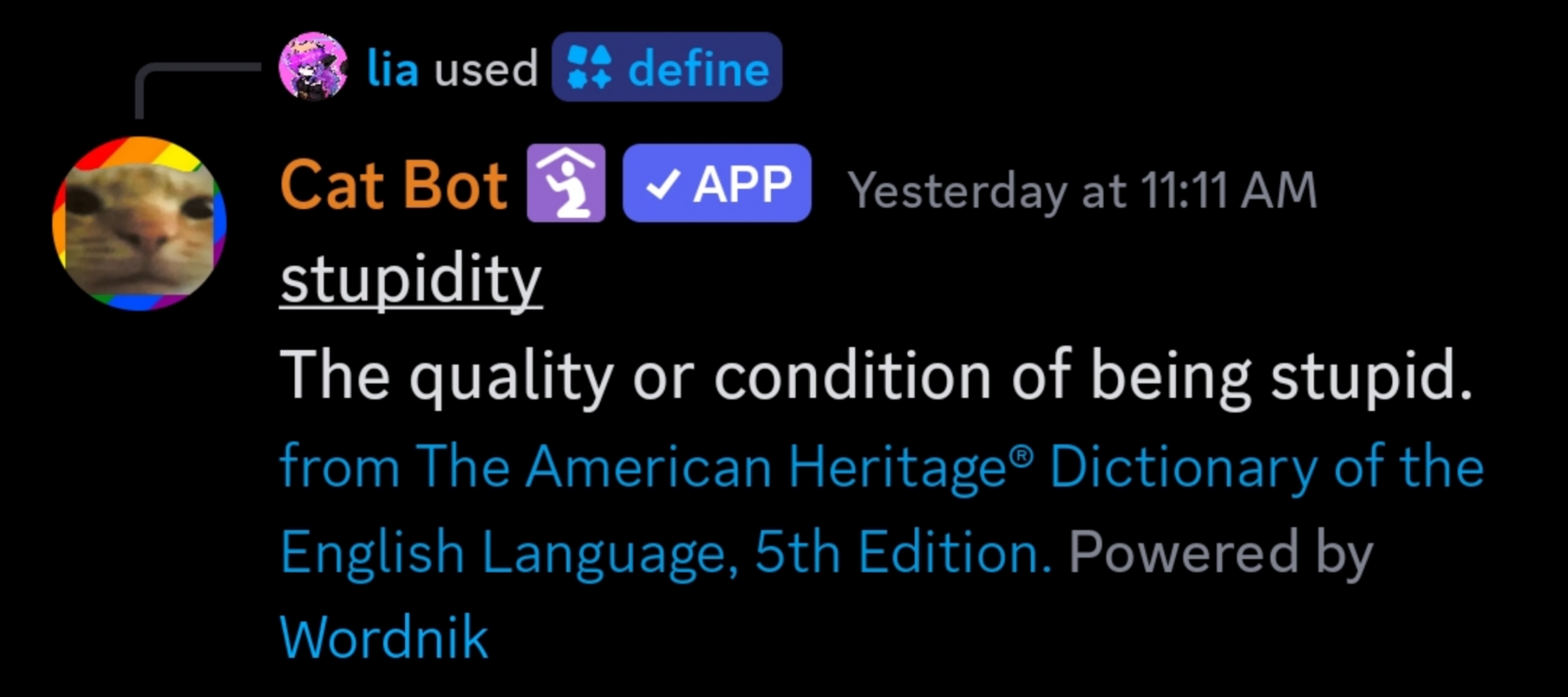
/define (word) - Finds the definition of an English word, powered by Wordnik.
- If it can't find a definition for that word, it will say "no definition found".
- Definitions which are flagged as offensive will result in the message being "only visible to you."
/fact - Gets a random cat fact.
- The chances are:
- 10/11: Draws from an API containing 332 facts about cats
- 1/11: for a fact to be drawn from the pool below:
- "cat"
- "you love cats"
- "cat bot is in
# of serversservers" - "cats are the best".
- Can be used to get 2 achievements.
- In the event that the API does not respond, the bot will output "failed to fetch a cat fact.".
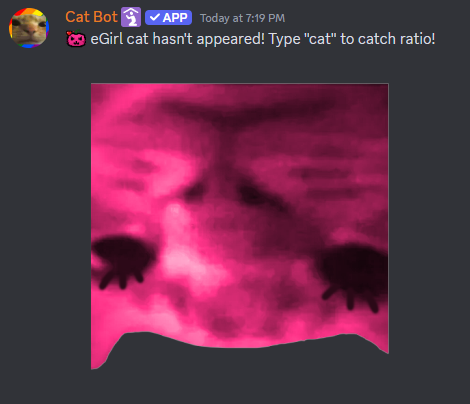
/fake - Sends a fake eGirl cat message, even outside of setupped channels.
- Grants an achievement.
/getid [thing] - Gets the user ID of a person (thing). Useful for /changemessage.
/rate (thing) (stat) - Sends "thing is (random number from 0-100)% stat ". Completes a quest in the Cattlepass.
If you put "/rate" as
thingand "correct" asstat, it will always say 100%. This reflects the random fact "/rate says /rate is 100% correct".
/random - Get a random image of a cat.
- Grants an achievement.
- If the API does not respond, the bot will output "no cats
 ".
".
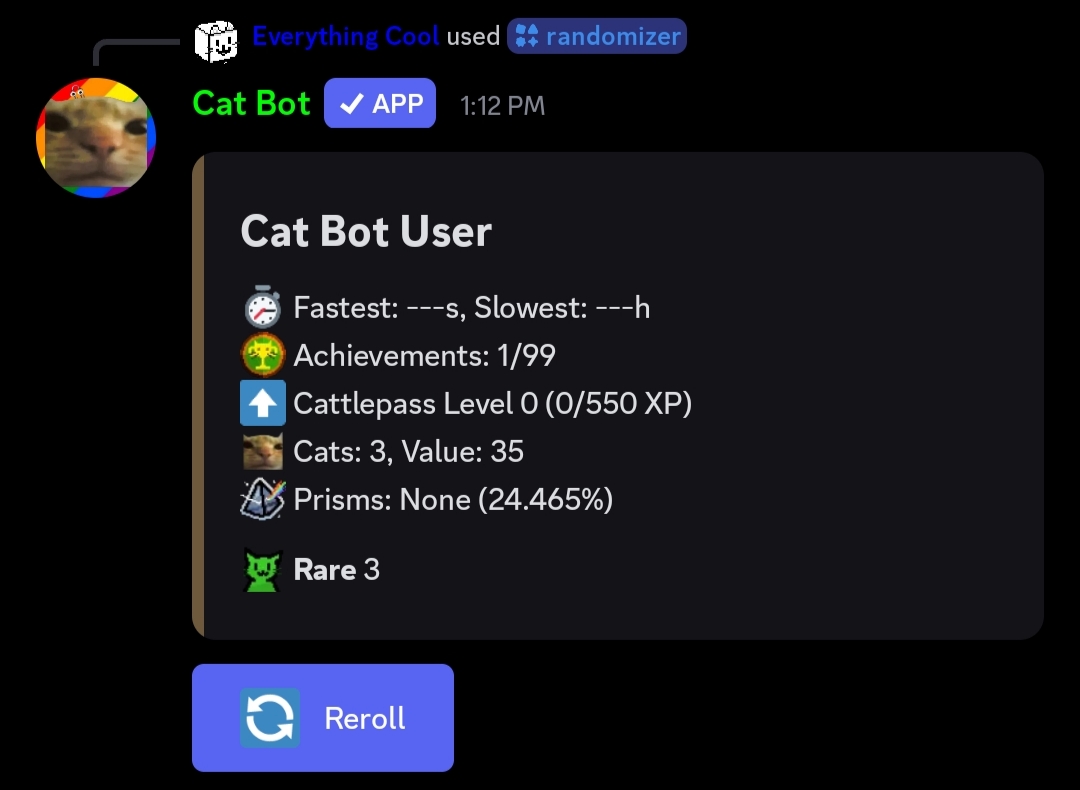
/randomizer - Allows you to view the /inventory of a random Cat Bot user.
- Grants an achievement.
/remind [days=0] [hours=0] [minutes=0] [text=Reminder!] - Allows you to set a reminder for the future with text (usually off by -5 to 5 minutes) with a DM.
- Grants an achievement.
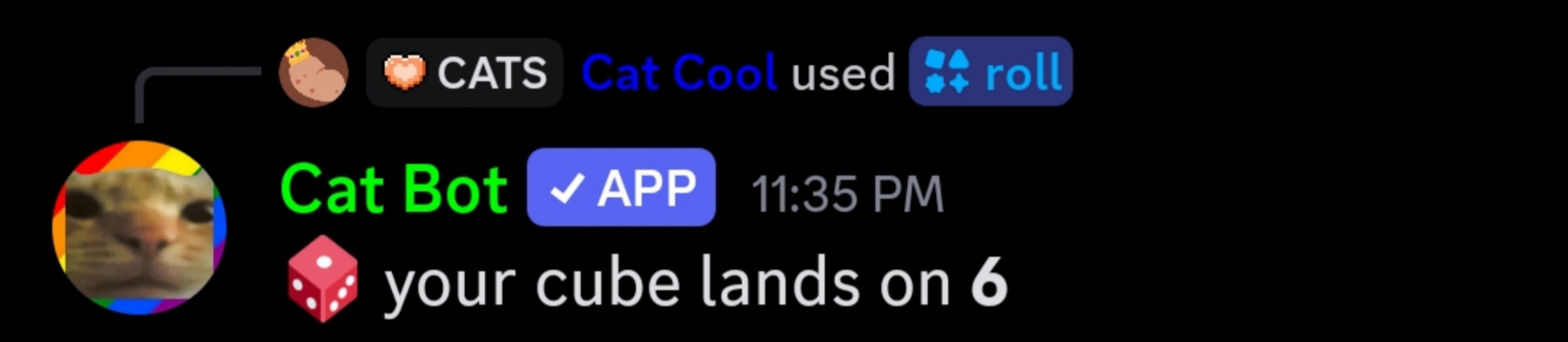
/roll [sides=6] - Simulates a fair dice roll from 1 to the number of sides you picked, with the number of sides determining the possible shape given (e.g. 6 sides = cube), otherwise, it just shows "d # of sides ".
- Completes a quest in the Cattlepass.
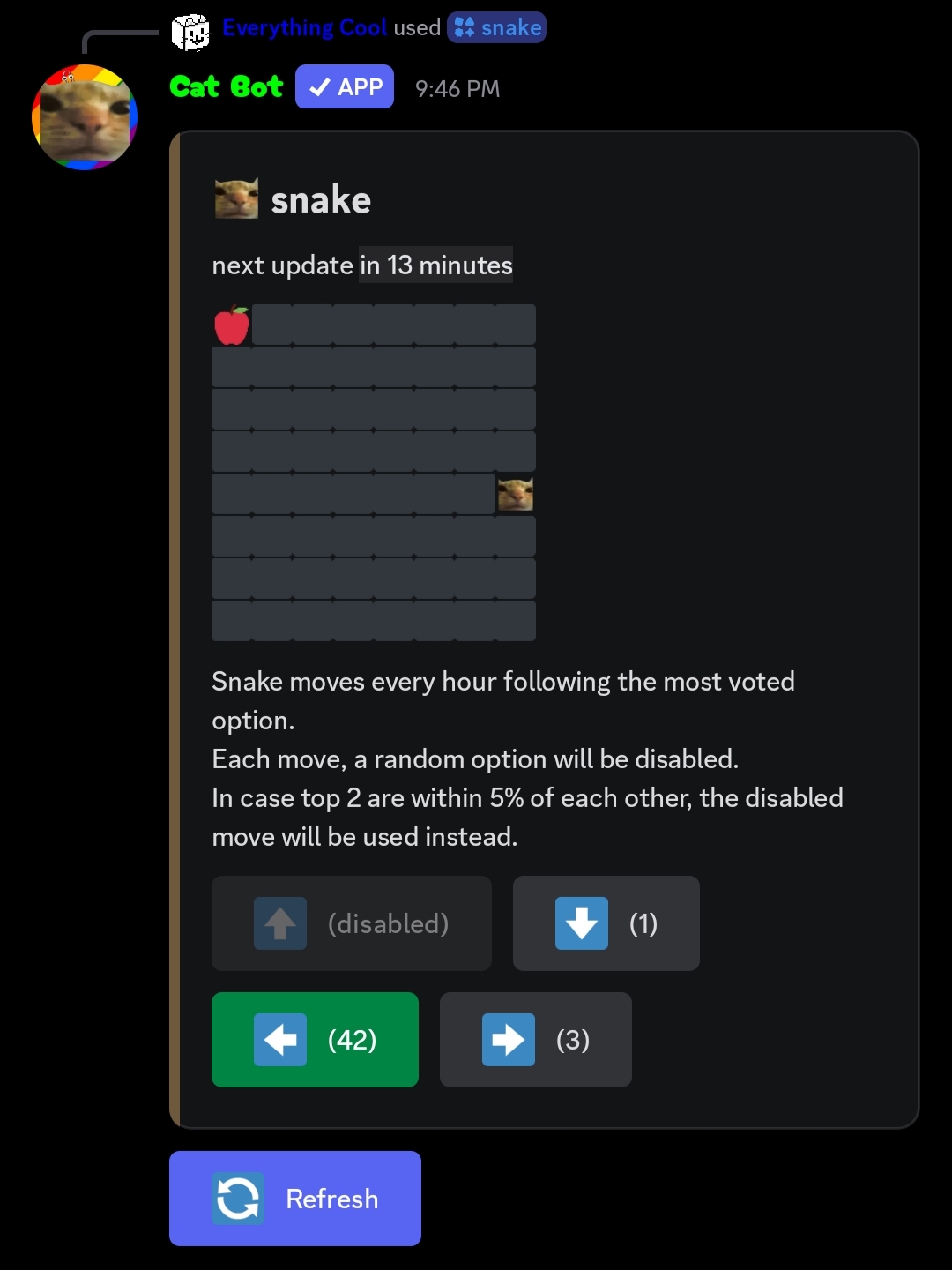
/snake - Allows you to vote on a global poll which way the cat snake will go every hour, with one of the options being disabled, it will also remind you if you choose, there are ties if an option is +-15% of another, in that case it will pick randomly.
- Grants an achievement.
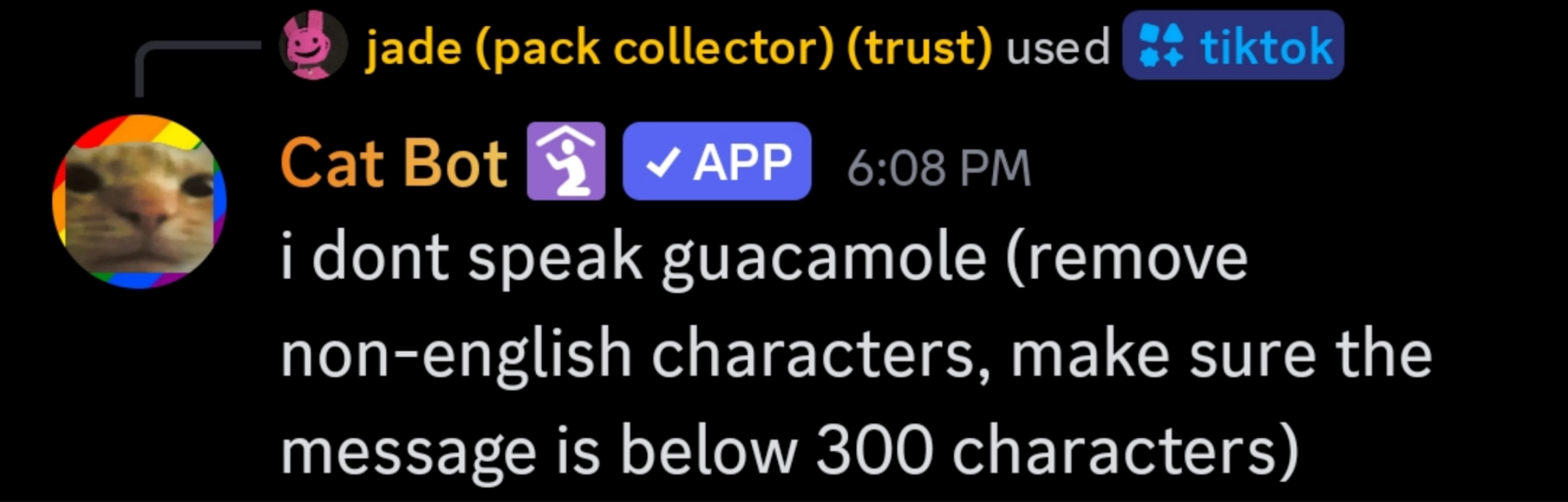
/tiktok (text) - Reads text with Tiktok's TTS voice (in the Latin Alphabet and 300 characters max).
- Can be used to get 2 achievements.
- If you don't meet its restrictions, Cat Bot will send this message:
Main article: Bakery
/bakery - In collaboration with Bake.gg. You deliver an order of cookies, coffee, and cats to get a Silver pack and a Bake.gg Cat Egg, in which you can open the latter to get a Chef pack.
- Orders can only be done once a week per user.
- Includes cookie and coffee clickers.
How to get the Chef pack:
- Make sure you completed the /bakery order.
- Find a server that has Bake.gg, or make one and add the Bake.gg bot.
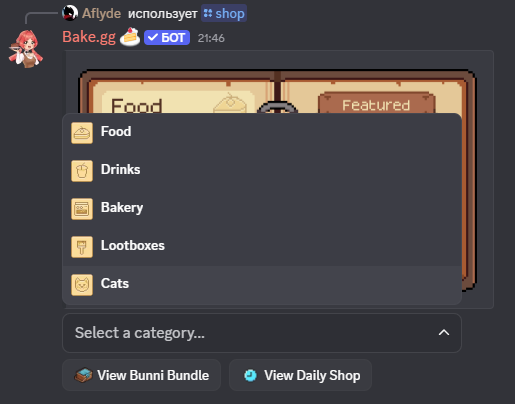
- Once the bot is added, run the /shop command.
- There, click "Select Category" and then "Cats".
- Click the egg button.
- After that, Cat Bot will DM you to claim the Chef pack.
- To claim your pack, you run the /bakery command again and the Chef pack should be in your packs.

/casino - Includes these minigames:
- Slots - A gambling minigame with a slot machine. Displays your
slotsstats and global stats.- It does not cost cats.
- It can remove all negative amounts of cat types, i.e. remove debt, if you win big (3 sevens in a row).
- Can be used to complete a quest in the Cattlepass and get 2 achievements plus another 2 which can be obtained other casino commands as well.
- Roulette - A gambling minigame where you bet an amount of cat dollars on either red, black, green, or a number.
- There is a ~48.65% chance of winning on red/black.
- There is a 2.7% chance of winning on green/number.
- Blackcat - A gambling minigame. You can bet an amount of cat dollars, then you can increase your score by 1-10 points repeatedly until you click "finish" or go over 21 points, the latter of which being an instant loss. Upon clicking "finish" Cat Bot will stimulate its own version of the game, until it reaches 17 or more and stops, or goes over 21 and loses. If Cat Bot goes over 21 or finishes at a score lower than yours, you earn 2x your bet. You multiply your bet by 2.5x if you win with 21 points.
Main article: Scratchcards
/scratch - A scratch card minigame. You get scratch card for completing weekly quests.
Prizes you could possibly get:
- Wooden Pack
- Stone Pack
- Bronze Pack
- Silver Pack
- Gold Pack
- Platinum Pack
- Diamond Pack
- Celestial Pack
- 1m of Rain
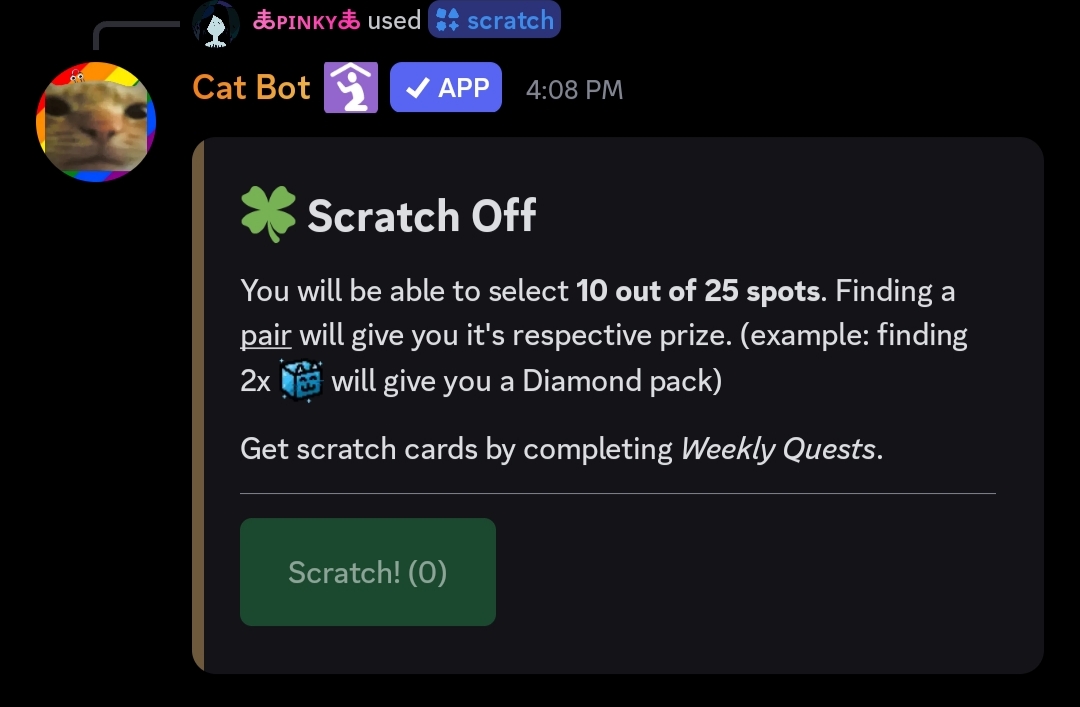
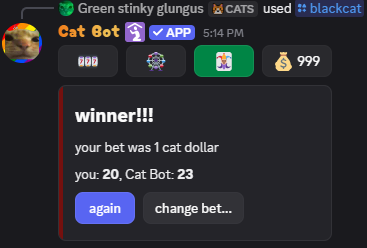
- Can be used to complete a quest in the Cattlepass and get 3 achievements plus another 2 which can be obtained other casino commands as well.
Main article: Fishing
/fish - A fishing minigame. You cast a line, wait for a cat, then press the pull button within 4 seconds to catch a fish.
- Fishes are essentially cat types which include the same base chances as a regular cat.
- You can gather coins to get upgrades for your fishing.
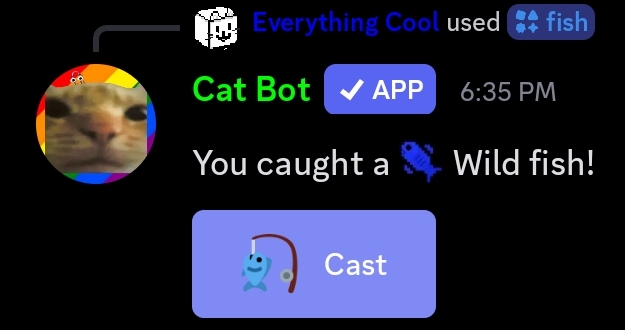
- Can be used to get 3 achievements and complete a quest in the Cattlepass.
Main article: Pig
/pig - Starts a Pig game, with the text at the start explaining the rules and showing your best score.
- Can be used to get 2 achievements and complete a quest in the Cattlepass.
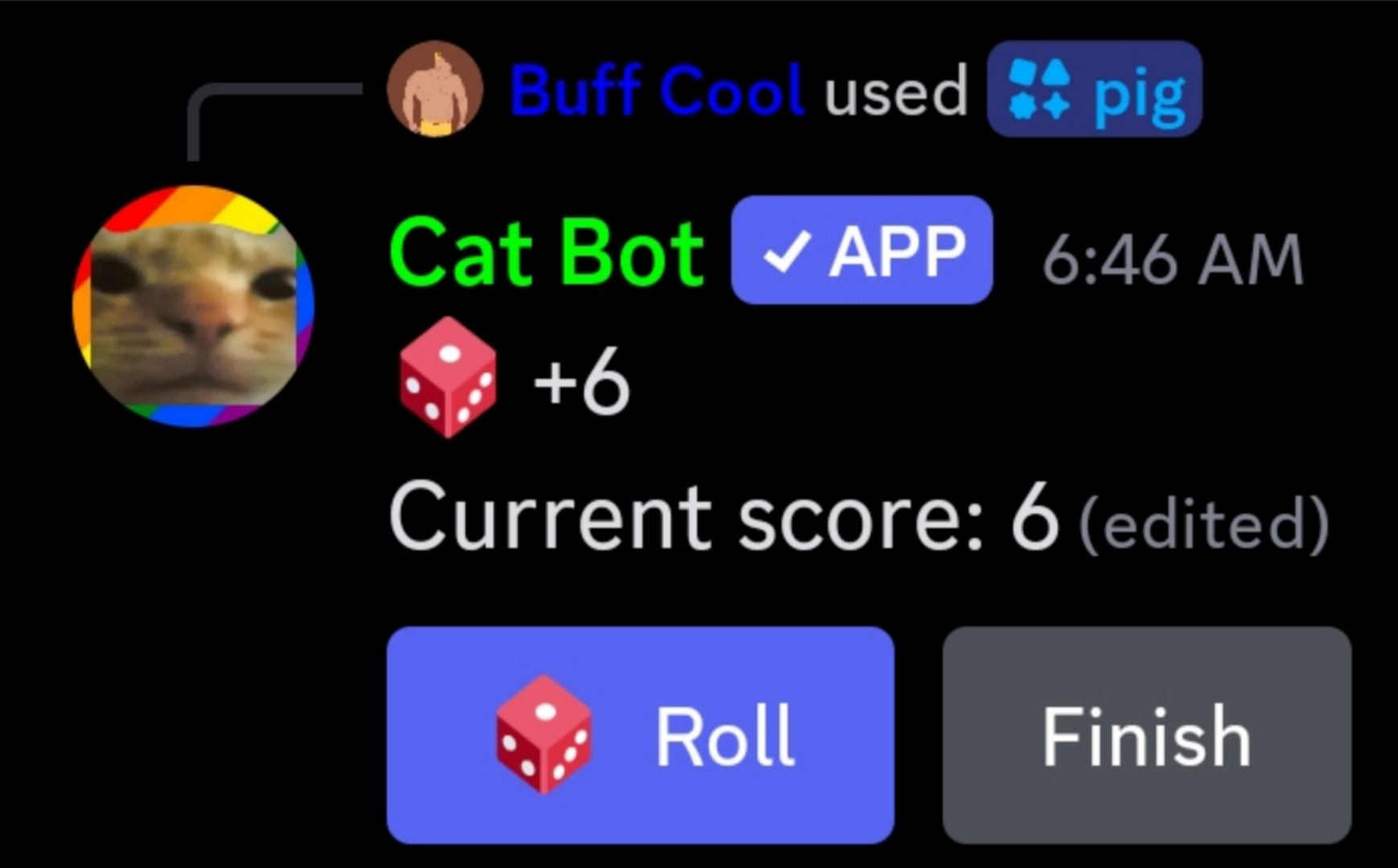
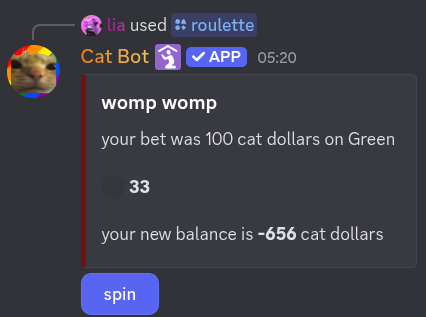
- Can be used to complete a quest in the Cattlepass and get 2 achievements plus another 2 which can be obtained other casino commands as well.
Main article: Rock-Paper-Scissors
/rps [person=EVERYONE] - Starts a Rock-Paper-Scissors game with everyone or the person you chose.
- The
person(or everyone) can pick "Rock", "Paper" or "Scissors" until you also pick "Rock", "Paper" or "Scissors". The wins, ties, and losses will then display. - The maximum duration of a game is a day.
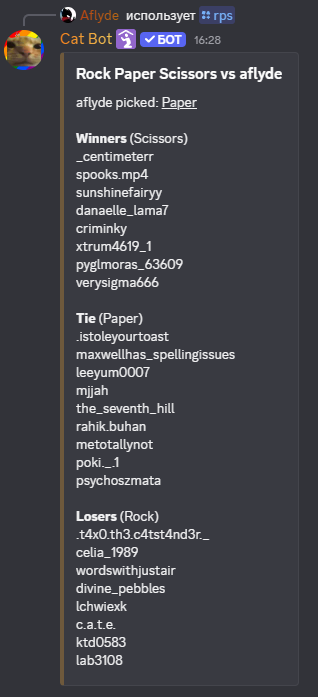
Cat Bot always wins in
/rps.
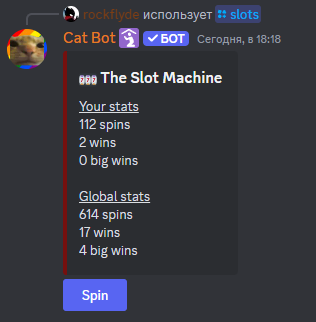
Main article: Tic-Tac-Toe
/tictactoe [person] - Start a game of Tic-Tac-Toe with person.
- Both the
personand you will get randomly assigned X or O regardless of who ran the command. - If it's not your turn, Cat Bot will say "It's not your turn!".
- The
personcan be a bot, but it will make the game be at a standstill. - You can play with Cat Bot, but it never loses.
- Grants an achievement if you win, and completes a quest in the Cattlepass.
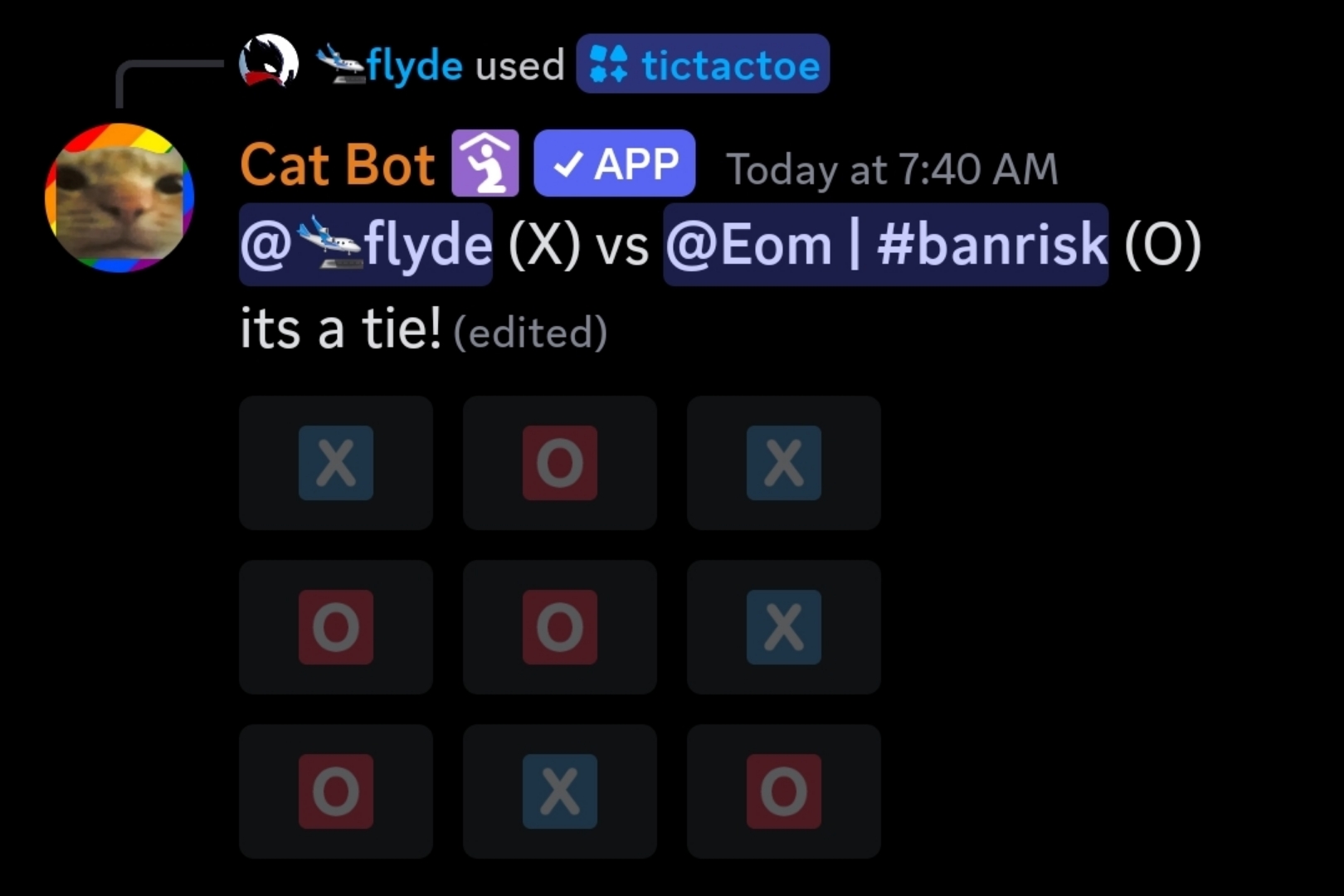
/credits - Shows:
- Everyone who had contributed to the bot
- All APIs Cat Bot uses
- Open source projects
- Everyone who had tested Cat Bot before its public release.
/discardrainbowaura (rainbow_aura) - Removes the rainbow aura from the chosen cat type.
/info - Views information about the bot. Includes the credits, a link used to invite Cat Bot, a link to the voting page, a link to the store, and a link to this wiki.
cat - Catches a cat (if there's one). Otherwise, it will react with :pointlaugh:.
- Can be used to get 9 achievements and complete quests in the Cattlepass.
- The letter case does not matter however
CATcan grant an additional achievement
cat!ach / testing testing 1 2 3 - Makes Cat Bot send the message "test success".
- Grants an achievement.
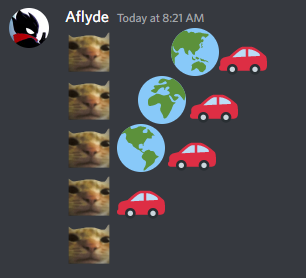
car - Sends the image below within an embed, with the caption "car!".
- Grants an achievement.
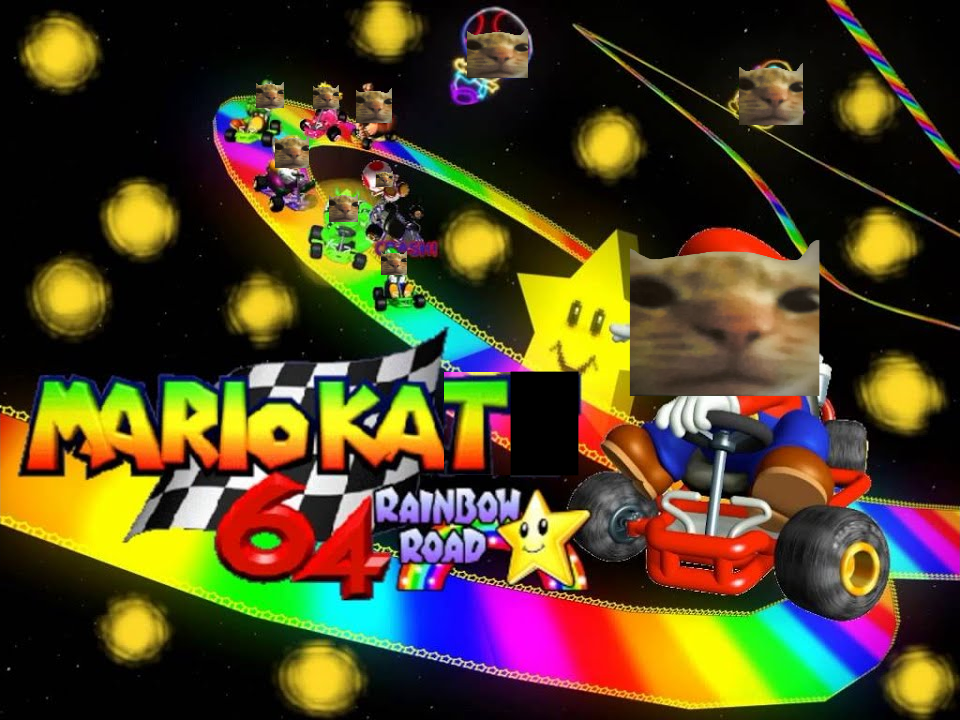
cart - Sends the image below within an embed, with the caption "cart!"
cellua good - Anything containing this makes Cat Bot respond with a randomly generated IPv4 address with the exception of Regon's IPv4 address.
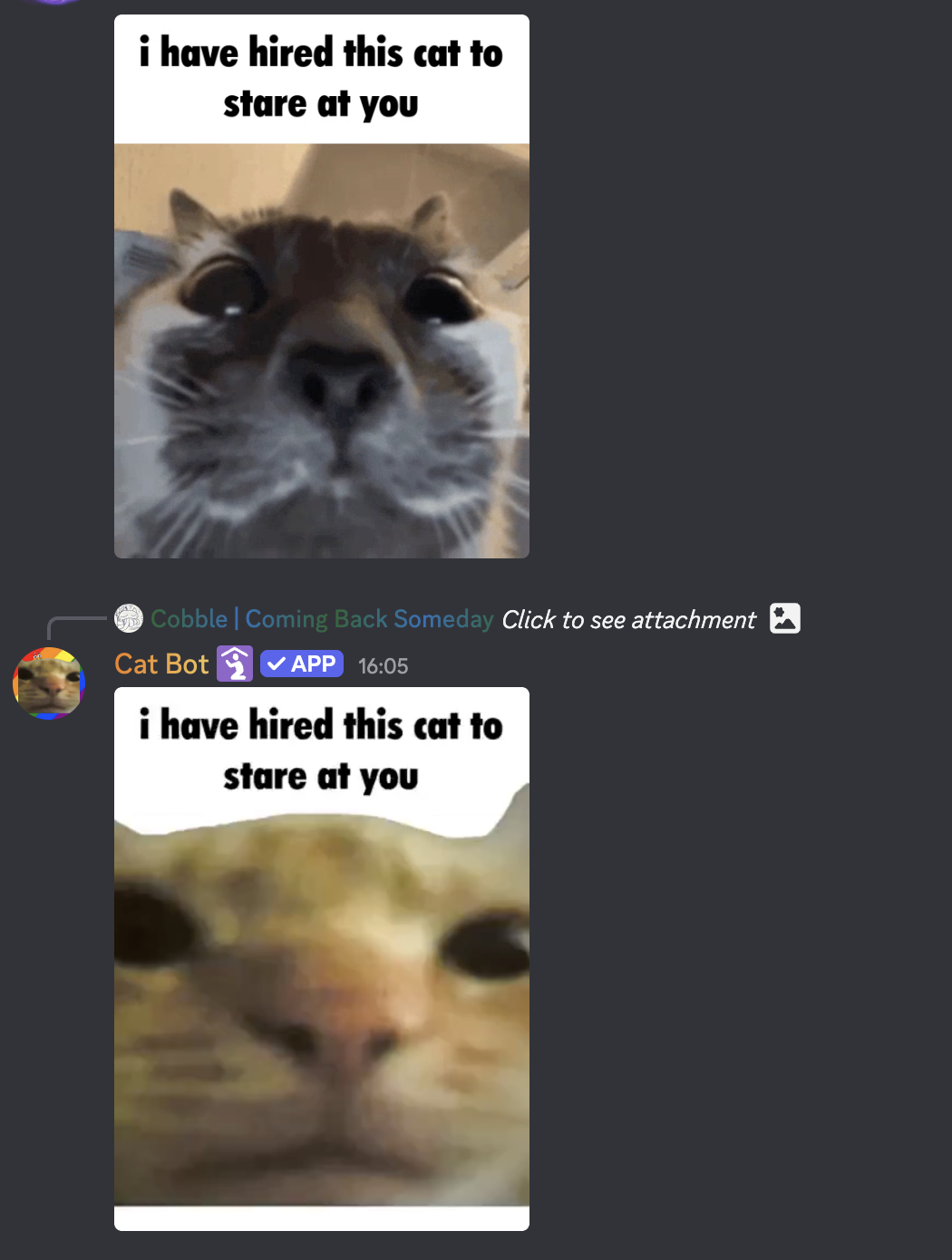
https://tenor.com/view/this-cat-i-have-hired-this-cat-to-stare-at-you-hired-cat-cat-stare-gif-26392360 - Makes Cat Bot respond with a staring cat version of the GIF: cat-staring-cat-1.mp4.
When run, both GIFs should look like this:
disable (server id) in Cat Bot DMs - Disables /battlepass reminders in a server with the server id. Useful if you want to disable reminders in a server you aren't in.
- Since October 8th 2025, this link appears in every quest/vote reminder.
please do not the cat - Takes away one Fine cat and shows how many you have left.
- Grants an achievement.
please do the cat - Sends the image below.
- Grants an achievement.

Important
Admin commands in Cat Bot can only be used by people with the "Administrator" permissions. If you want to prevent people from using these incredibly powerful commands, simply remove that permission from them or disable that command for them entirely.
/admin forcespawn [type=random] - Spawns a cat automatically, with an option to choose the cat type (Administrator).
- If there isn't a chosen
typethen Cat Bot would spawn a cat with normal type chances. - If there was already a cat, Cat Bot would privately respond with "there is already a cat".
- If the
typeis invalid, Cat Bot would privately respond with "bro what".
/admin swap - Swaps the data of 2 users.
- Useful when someone has a new account.
Caution
The commands below are VERY DESTRUCTIVE to a user or server. Use these only if you absolutely need to. While you can run
/undoto reverse the effect of these commands, if it were to fail, there would be permanent data loss.
/admin nuke - Reset all data in the current server.
/admin reset (user) - Clears user data.
- The confirmation will have "(this will make me sad)" appended to it if you use this command on Cat Bot.
/admin undo - Reverts the effects of either /nuke or /reset.
These commands can only be executed by Milenakos herself.
cat!custom [user] [name] [amount] - Gives that user [amount] custom cats.
cat!eval [code] - Executes code in the channel where the command is executed. If it causes an exception, the bot responds with said exception.
cat!merge [server ID] [from user ID] [to user ID] - Takes away all cats, prisms, and achievements from one user and adds them to the other user.
cat!news [announcement] - Makes cat bot say the announcement in all /setup-ed channels.
cat!print [text] - Says the text in the channel where the command is executed.
cat!rain [user] [minutes] - Gives that user minutes minutes of rain.
cat!restart - Restarts the current cluster.
cat!restartall - Restarts all clusters.
cat!sweep - Makes Cat Bot forget that there is a cat in the chat.
cat!sql - Runs an SQL command and displays the result in a nice way.
cat!transfer [from server ID] [to server ID] - Transfers all data of all members from one server to another.
cat!undoreset [server ID] [user ID] [reset message ID] - Restores the data removed by the /reset command.
These command were removed and are no longer accessible.
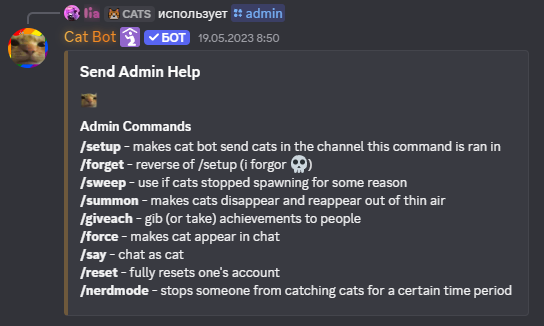
/admin - Used to send this embed:
/blackcat - A gambling minigame. You can bet an amount of cat dollars, then you can increase your score by 1-10 points repeatedly until you click "finish" or go over 21 points, the latter of which being an instant loss. Upon clicking "finish" Cat Bot will stimulate its own version of the game, until it reaches 17 or more and stops, or goes over 21 and loses. If Cat Bot goes over 21 or finishes at a score lower than yours, you earn 2x your bet. You multiply your bet by 2.5x if you win with 21 points.
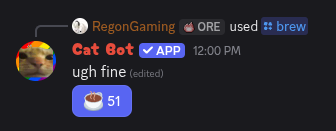
/brew - Similar to /cookie. The bot refuses to brew coffee because it's a teapot, but gives in after clicking it once.
- You can only spend coffee in
/bakery. - Can be used to complete a quest in the Cattlepass and get an achievement plus another one from
/bakery - Can be used to get the Chef pack.
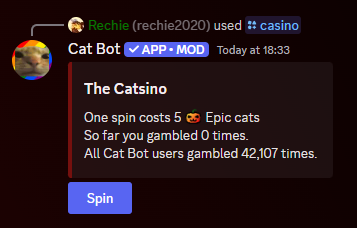
/catgirl - Used to send a random catgirl image. Similar to /random. Removed due to it occasionally sending NSFW images.
/cookie - Imitates a simplified version of the Cookie Clicker game.
- You can only spend cookies on
/bakery. - Can be used to complete a quest in the Cattlepass and get 2 achievements plus another one from
/bakery. - Can be used to get the Chef pack.
/credits - Shows:
- Everyone who had contributed to the bot
- All APIs Cat Bot uses
- Open source projects
- Everyone who had tested Cat Bot before its public release.
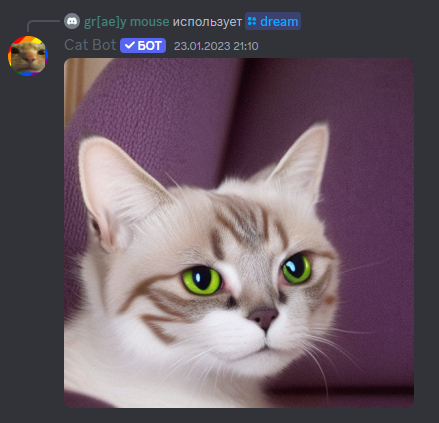
/dream [prompt] - Used to generate an image using an AI.
/event - Used for limited time events, such as Cat Bot Birthday 2025. Removed due to the end of the event.
/feedback [message] - Used to send feedback to the developer via DMs.
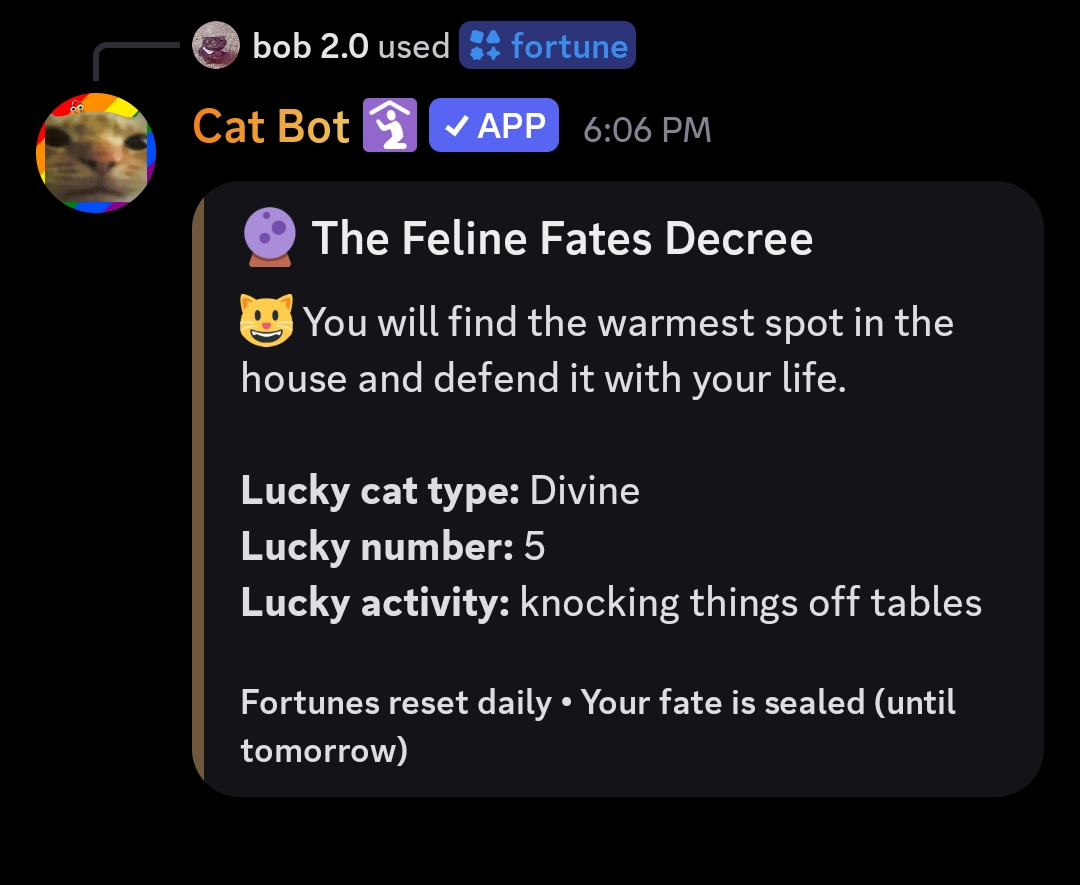
/fortune - Sent a random fortune that resets daily with a random number from 1 to 9, a random cat type and random activities.
Fortune messages
Fortune messages:
"You will find a mysterious hairball in your shoe. It brings good luck... probably."
"A cat will stare at you from across the room today. It is judging you. You will not pass."
"Beware of the red dot. It leads nowhere, yet you will chase it anyway."
"Your next nap will be legendary. 14 hours minimum. You've earned it."
"A cardboard box will present itself. You must sit in it. This is the way."
"You will knock something off a table today. Do not apologize. Maintain eye contact."
"The vacuum cleaner approaches. Flee now, ask questions never."
"Today's lucky number is 9. You have that many lives left... for now."
"A can opener will sound in the distance. Follow it. Destiny awaits."
"You will receive chin scratches from an unexpected source. Accept them graciously."
"The laser pointer of fate shines upon you. Chase it with reckless abandon."
"An ancient prophecy foretells: you will ignore an expensive cat toy and play with the bag it came in."
"Mercury is in retrograde. This means nothing to you. You are a cat. Nap on."
"You will sit on someone's keyboard today and type something profound. Or 'asdfjkl;'. Same thing."
"A bird will appear at your window. You will make that weird chattering sound. It is inevitable."
"Your food bowl is half empty. Scream about it at 3 AM. This is reasonable."
"The bathroom door will close. You must yell. You MUST be on the other side."
"A cucumber will appear behind you. Your reaction will be... disproportionate."
"You will find the warmest spot in the house and defend it with your life."
"Someone will call your name. Ignore them. They will call again. Ignore harder."
"The stars align in the shape of a fish. This is the best possible omen."
"You will bring a gift to your human today. They will not appreciate the dead bug. Ungrateful."
"A door will be slightly ajar. You will not go through it. You will simply stare."
"Your horoscope says: if it fits, you sits. The science is settled."
"Tonight, you will perform the 3 AM zoomies. The furniture will not survive."
"A mysterious force compels you to drink water from the faucet instead of your bowl."
"You will claim a laptop as your bed. The human's 'important work' is irrelevant."
"The prophecy is clear: you will catch between 0 and 10,000 cats today. Probably."
"A great trade offer approaches. You will decline it. Then accept a worse one. This is the way of the cat."
"The ancient cat council has spoken: your next pack opening will be... interesting."
Lucky Cat Type: any cat type in cat bot.
Lucky Numbers: any number 1-9
Lucky activites:
"napping"
"knocking things off tables"
"ignoring humans"
"zoomies"
"bird watching"
"box sitting"
"keyboard walking"
"3 AM screaming"
/giveachievement (user) (name) - Used to give any achievement with its name to a user. Removed due to being abused.
- The only exceptions for this command were the Demonic achievements.
- If you tried that, Cat Bot privately responded with "HAHAHHAHAH no".
/givecat (user) (cat_type) [amount=1] - Instantly gave an amount of a cat_type to user, including a random option which gave cats based on spawn chance. This allowed to get millions of cats with a single command. Removed due to being abused.
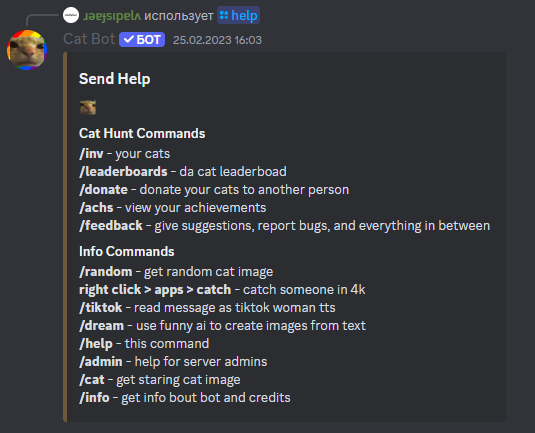
/help - Used to send this embed:
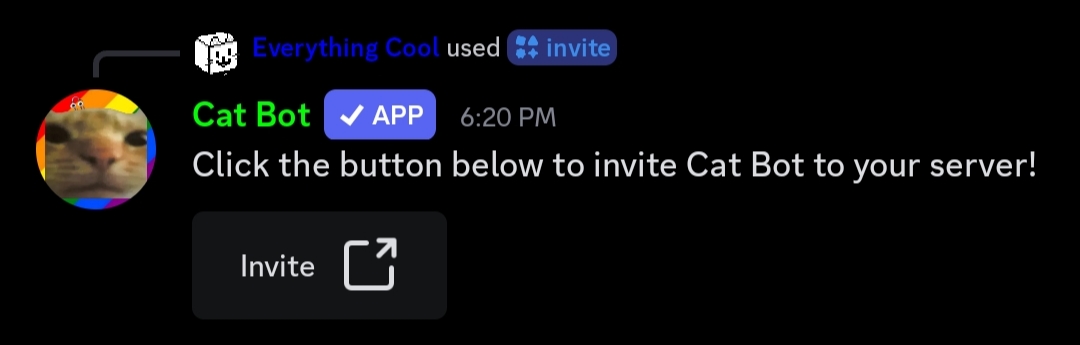
/invite - Sends a button which lets you invite Cat Bot to your server.
/lastcatch - Views:
- When and where you caught a cat.
- Time you have left to catch a cat in another channel (if anti-double catch is enabled).
/ping - Gets the ping/brain delay of cat and the server's neuron/shard.
- Completes a quest in the Cattlepass.
- Can be used to get an achievement.
/plush - Was used to get info about Cat Bot plushies, and the required pledge goal to make them real. Removed due to goal getting reached.
- To redeem the badge and 60 rain minutes for pledging the plush, run still accesible
/plushbadge.
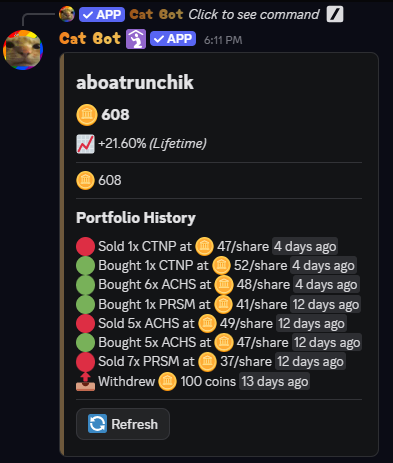
/portfolio - Used to access your portfolio for /stocks
- Used to show your amount of coins and your portfolio history.
/redeem [code] - Used to redeem Cat Rain codes for actual rains. Removed due to change in rain mechanism.
- Back in v0 Cat Rains, you would get a code which you could use with that command to get a rain.
/roulette - A gambling minigame where you bet an amount of cat dollars on either red, black, green, or a number.
- There is a ~48.65% chance of winning on red/black.
- There is a 2.7% chance of winning on green/number.
/say (message) - Used for users to say anything as Cat Bot. Removed due to command being abused by sending inappropriate messages.
/slots - A gambling minigame with a slot machine. Displays your slots stats and global stats.
- It does not cost cats.
- It can remove all negative amounts of cat types, i.e. remove debt, if you win big (3 sevens in a row).
- Can be used to complete a quest in the Cattlepass and get 2 achievements plus another 2 which can be obtained other casino commands as well.
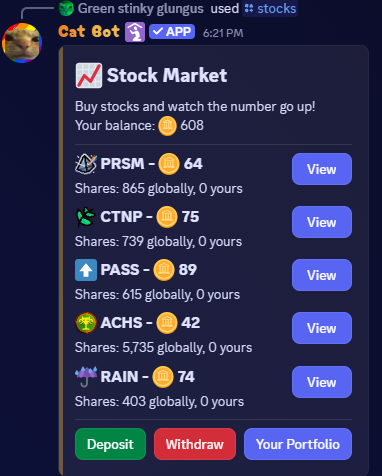
/stocks - Used to be a Stock Market minigame.
- You could withdraw/buy a Stone Pack for 100 coins.
- Getting coins was possible by buying stocks which represented the Cat Bot mechanics. You could later sell those stocks that you bought at a price you picked, but you had to choose low prices so that someone would actually buy it.
- The stocks also used to have random events.
- There were 3 verions of the stocks
- Could be used to get 2 achievements.
/togglereactions - Used to disable/enable automatic reactions to keywords. Removed due to /settings getting added.
/store - Gives the link to buy Cat Rain minutes.
/sweep - Unknown. Possibly used to do the same thing as the cat!sweep command from the Developer Commands category above.
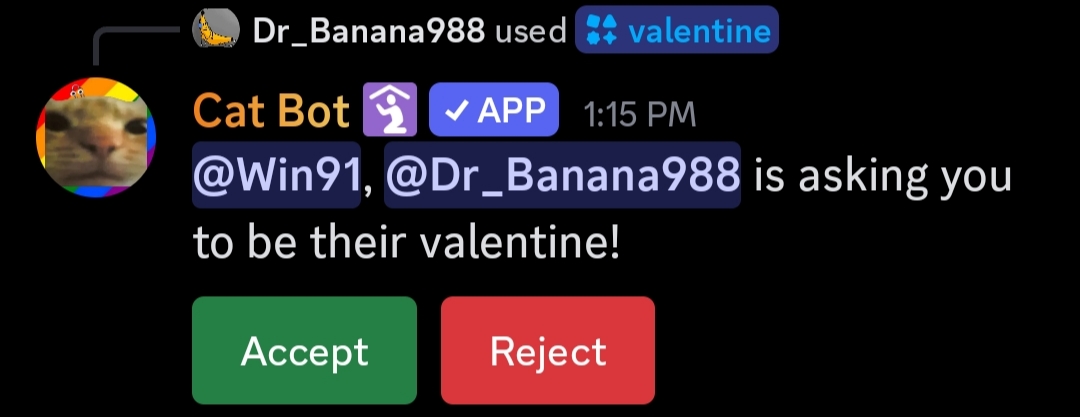
/valentine - Used to request a valentine and link voting pack rewards. Only used in Valentine's Events after 2025.
/vote - Can be used to vote for Cat Bot every 12 hours on top.gg.
- Completes a quest in the Cattlepass after voting.
- Voting increases your streak and gives you rewards accordingly.
- Note: Not voting for too long kills your streak.
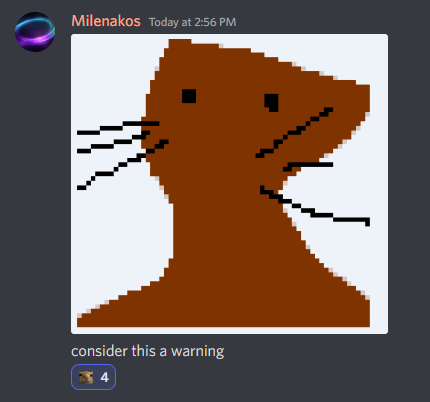
/warning - Used to send the image below. Removed for being useless and rarely used.
/wiki - Sends https://catbot.wiki/ and pages for quicker access:
- Cat Bot
- Events
- Cat Spawning
- Commands
- Cat Types
- Badges
- Cattlepass
- Achievements
- Rains
- Packs
- Trading
- Catnip
- Prisms
- Fun
jpegify - An app command, used to "Jpegify" (make lower quality) the images that a message contains. Removed due to it being spammed in text channels.
cat!amount (amount) SUPPORTER-ONLY - Used to change the amount of a custom cat with regular cat limits applying, since custom cats were once made through a forum in Cat Stand. Removed due to /customcat getting added.
cat!sex - Used to make Cat Bot respond with "...". Removed due to it getting one person banned from Discord for child endangerment and due to it being used to bypass the rules against NSFW content.
Trivia
-
The Great Command Rename happened in July 9th, 2023:
/achswas renamed to/achievements./invwas renamed to/inventory./donatewas renamed to/gift./forcewas renamed to/forcespawn./giveachwas renamed to/giveachievement./nerdmodewas renamed to/preventcatch./summonwas renamed to/givecat.
-
Back when cats can be obtained through voting (28th January, 2023 - 1st January, 2025),
/dailydisplayed "there ARE cats for voting tho, check out /vote". -
Using the
/remindercommand used to be a quest in the Cattlepass. -
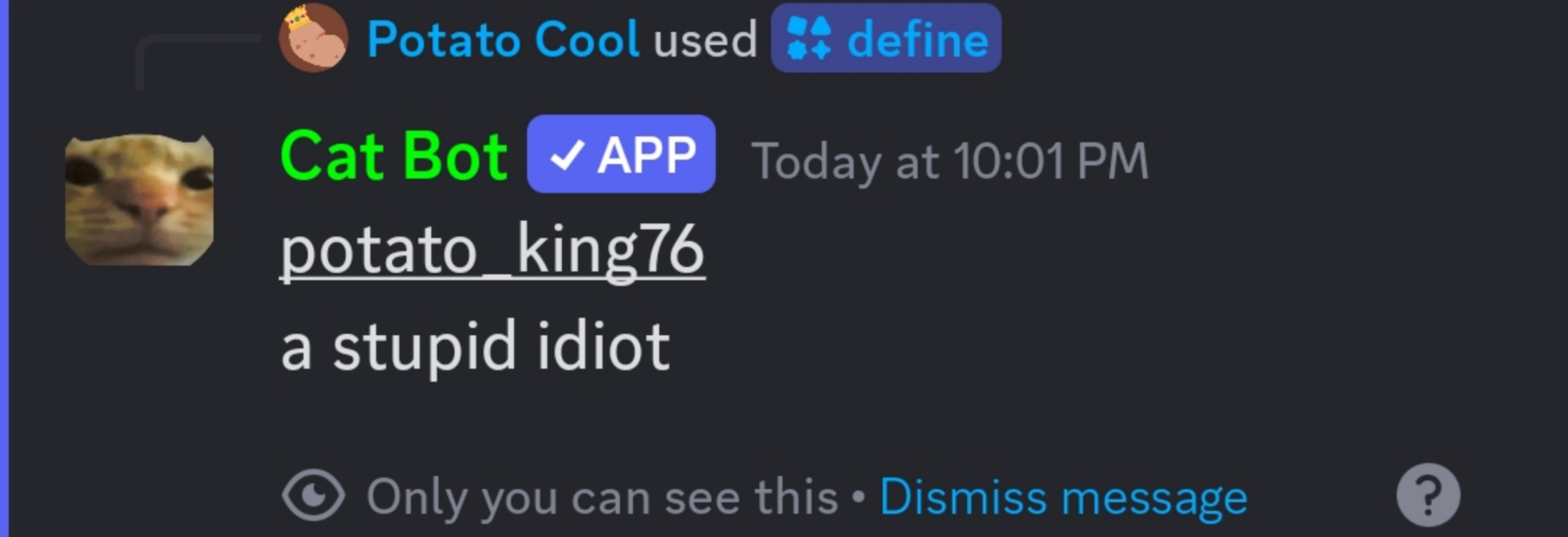
If you write any offending word in the
/definecommand, this easter egg used to appear:
-
/catonly shows cat types that you currently have. Otherwise, Cat Bot will say "you dont have that cat". -
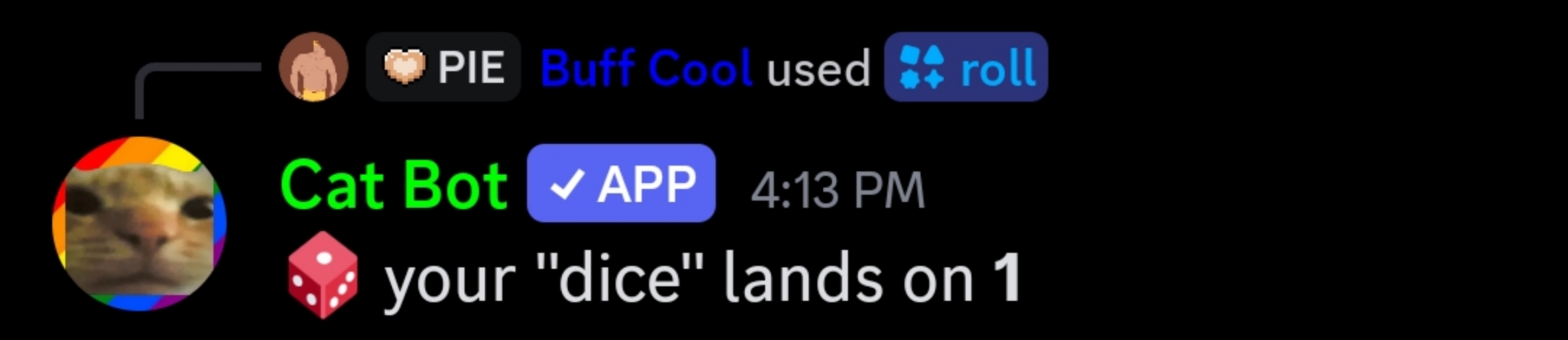
If you
/rolla dice with only 1 side, the text will show "dice". If you roll a dice with 2 sides, it will do a coin flip (heads or tails).

-
Before August 13th, 2025, if you
/roll-ed a dice with zero or negative sides, Cat Bot would say "get a life", but now it happens only if you input a negative amount of sides. -
If you now
/rolla dice with zero sides (a sphere), Cat Bot will say the subsequent messages in the table below. Eventually, after 41 rolls, it will grant you an achievement. After the achievement, it will pick a random message from the table:
Sphere Messages
your sphere doesn't land
your sphere floats in air
your sphere lands and bounces forever
your sphere breaks
your sphere gets turned inside out
your sphere lands in a dumpster
your sphere gets eaten
your sphere lands in an active volcano
your house gets striked down from orbit before your sphere lands
your sphere lands on the bottom of the Mariana trench
your sphere lands inside of a frying pan and burns
your sphere breaks into 0 pieces and the universe throws a runtime error
your sphere is getting married
your sphere turns into a pentagonal bipyramid because it's bored
your sphere defies gravity and floats into the space never to be seen again
your sphere lands in honey and gets sticky
your sphere gets compressed into a blackhole
your sphere became sentient and refused to land
your sphere lands a pretty good job
your sphere lands on a 7 somehow
you try to pick up your sphere but its just a hallucination
your sphere lands on WAKE UP
your sphere is in a superposition of having landed on 0 and not landed
your sphere lands on pi (get it?)
your sphere fell into sulfuric acid and dissolved
your sphere used slightly a wrong pi and therefore is just barely not a sphere
your sphere is too fast to be seen
your sphere's landing is delayed because of poor visibility at the airport
your sphere turns into a tesseract
your sphere opens a macdonalds franchise
your sphere lands in crippling debt
your sphere lands in court
your sphere lands in prison
your sphere has been sentenced to lifetime slavery
your sphere is a sphere trying its best to become a cube with no avail because of the discrimination of society
your mom is a sphere
everything in the world is sphere its a matter of perspective
did you notice most emojis are spheres?
why are you still here
your sphere ran out of jokes
your sphere finally peacefully lands on the table. you shed a (spherical) tear of happiness.
-
Before August 21st, 2025, there was a 1% chance globally for a bless to happen, and if it does, a random supporter with blessing enabled is picked.
-
/stockswas added 3 times. It has also been removed 3 times.
On October 5th, 2026, the server admin update happened:
- Removed:
/forcespawn,/giveachievement,/givecatdue to abuse. - Added:
/swap - Later
/forcespawngot added again, but now only the members with full Administrator permission can use it.
Commands Update of November 5th 2026:
- The goal of this was to remove bloat and categorize stuff better.
Merges:
/last,/lastcatch->/last/info,/credits,/ping,/invite,/wiki,/vote,/store->/info/slots,/roulette,/blackcat->/casino/bakery,/cookie,/brew->/bakery
Removals:
/randomizer, /bruh, /cursed, /bal, /catgpt, /random, /fact, /cat, /plushbadge, /rps, their achievements were museumed.
Groups: Supporter, mod, admin.
- Basically instead of
/customcatand/setupits now/supporter customcatand/mod setup`. - Due to a discord limitation you can no longer individually set perm overrides for tthem (only for the whole group).